
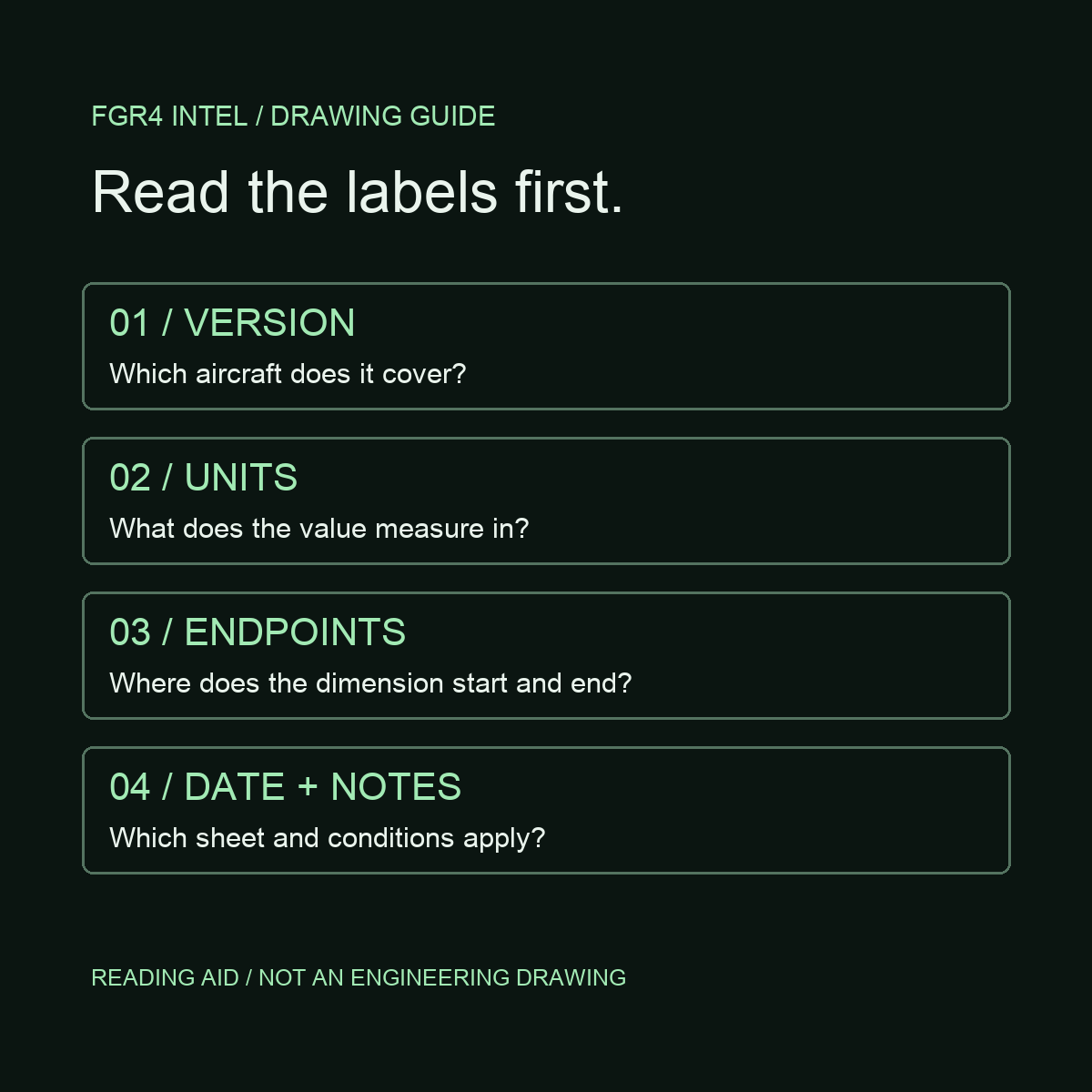
A general arrangement drawing shows how an aircraft's main parts fit together and gives an overview of its overall form and dimensions. Read it as a map of the aircraft before treating it as a collection of numbers: identify the version, units and drawing date first.
For an aviation enthusiast, that makes it a useful bridge between recognising an aircraft and understanding its proportions. A detailed-looking outline alone is not enough; the labels tell you what the drawing actually represents.
A manufacturer example you can open
Airbus publishes aircraft characteristics documents for airport and maintenance planning. Its catalogue explains that they include general dimensions and information for ramp, servicing and maintenance preparations.
In the A380 manual revised 1 December 2025, look for section 2-2-0, General Aircraft Dimensions. The first drawing sheet is document page 2 in that section, PDF page 34. Its applicability identifies the A380-800, dimensions include metres and feet, and the footer identifies the sheet and date.
This is an example of the sort of overall dimensioned drawing discussed here. Airbus calls this particular section “General Aircraft Dimensions”; use the manufacturer's own heading when searching the document.
Four checks before reading the numbers
Read the applicability label. Do not assume one drawing covers every member of an aircraft family.
Carry the unit with the value when taking notes. Keep paired unit systems separate.
Follow the dimension line to its endpoints. Check exactly which two positions it connects.
Record the section, sheet and date. Read any condition attached to the measurement.
This reading checklist is an original FGR4 editorial aid. It is not an Airbus drawing or a substitute for its document.
Why the notes matter
The A380 drawing includes a note relating dimensions to aircraft attitude and weight. That is a reminder to read the conditions alongside the figure rather than stripping out a number and treating it as universally applicable.
For a personal reference notebook, use a short entry with four parts: aircraft version, measurement name and unit, source section, and drawing date. If you cannot identify what the dimension line measures, leave the entry unresolved until you can.
A screenshot can be resized or stretched, so measuring its pixels is not a reliable substitute for reading the stated dimensions. Nor should an overall arrangement view be treated as a parts-manufacturing or maintenance instruction. Use the document for its stated purpose.
From drawings to artwork
Technical-style artwork can borrow the visual language of outlines, labels and dimension lines. Its appearance does not establish that it is a dimensionally verified engineering drawing.
Our Concorde artwork guide looks at what a side profile reveals and what it leaves out. The 747 and A380 recognition guide focuses on visible shape, while our RAF roles guide starts with the job an aircraft performs. Each answers a different question.
Try it now: open the linked A380 manual, find section 2-2-0 and identify the aircraft version, units and sheet date before following a dimension line. You do not need to copy any measurements to practise reading the drawing well.